A Protective Order Designation (POD) tracks the level of confidentiality of a document.
On the Matter Menu select the PODs button. The PODs dialog box will appear in which POD can be added or modified.
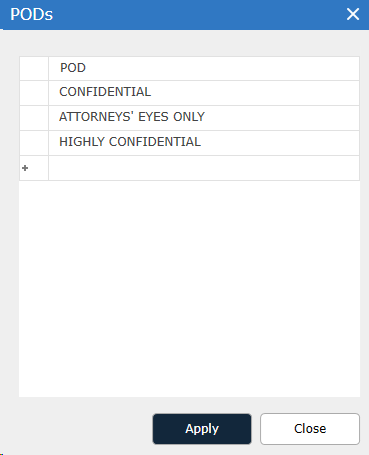
To change the name of a POD, click the name and overwrite it.
To add a POD, click the asterisk (*) in the last row (this highlights the new row) and type the name of the new POD in that row.
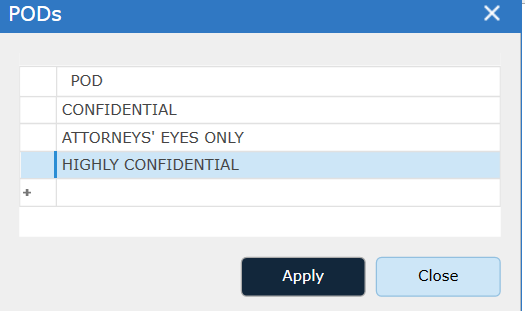
To delete a POD, select the row to be removed and select the Delete key on the keyboard.
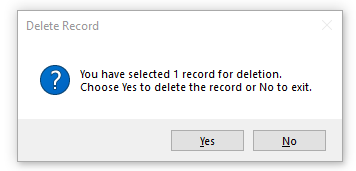
Click Yes to delete the POD.