We have added a few user requested options along with performance enhancements!
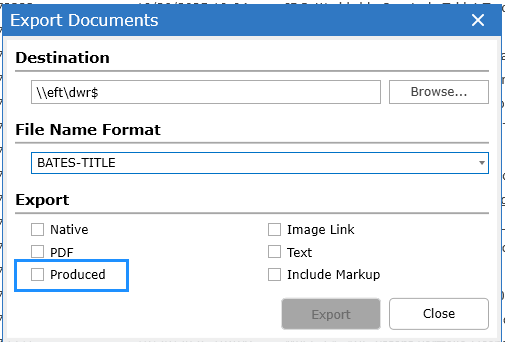
When Produced is selected in the Export Documents dialog, the placeholder images (slipsheets) of documents produced natively with DWR will export along with the natives. Selecting "Image Link" exports the placeholders for received productions loaded with a load file.
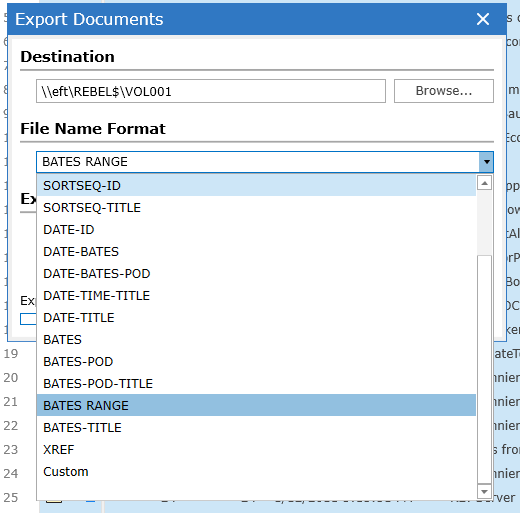
Bates Range is now available as a File Name Format which will export produced documents labeled with the Bates Prefix+BegBates - Bates Prefix+EndBates.
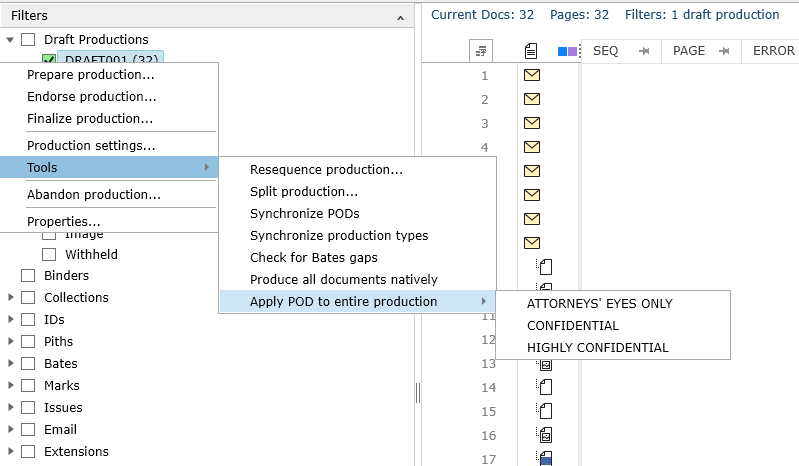
Right Click on a production draft selecting tools to access the option to set an entire production to be a selected designation!
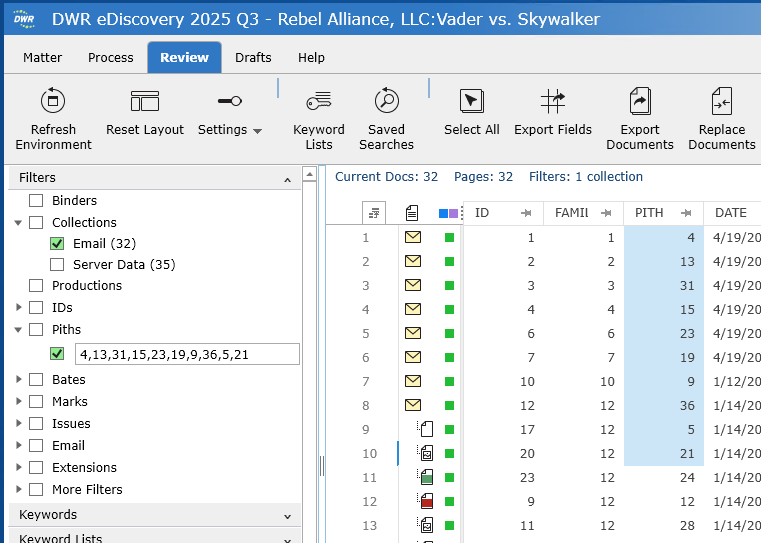
DWR automatically formats columns of numerical values into comma separated lists when pasting into the filter allowing copy/paste from the grid or Excel: